

Free web-based editors you can use to build a virtual escape room

Google Forms


An illustrated guide on how to make a digital escape room on google forms↗︎
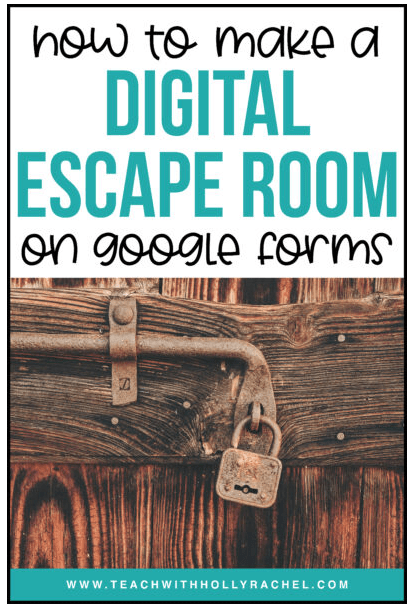
How to Create Digital Locks↗︎ for a Classroom Escape Room.
This video shows you how to insert audio in Google Forms↗︎. You can both insert voice recordings or external audio files.
Would you like to know more?
Genially

Lock Challenge

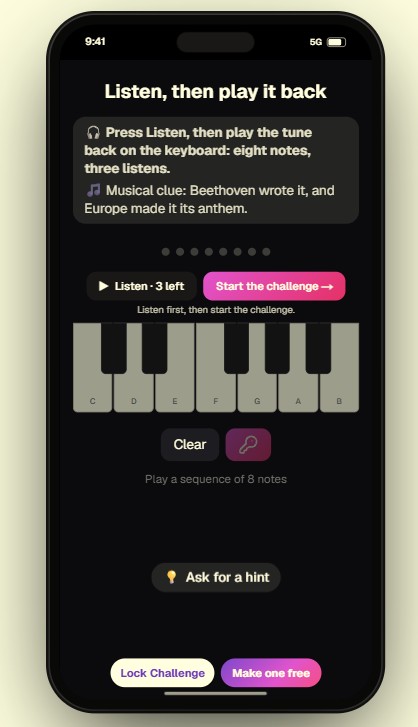
Lock Challenge↗︎ is a free-to-try web app for creating virtual locks. It supports number and word codes as well as colour, direction, musical, GPS and Wordle-style locks, including multi-step lock chains. Students simply open a link—no installation required.
Cluekeeper

ClueKeeper↗︎ is a platform for creating and playing location-based or clue hunts. You use the web app to create hunts and clues, which are distributed to players through the mobile app.
Actionbound

Actionbound↗︎ is an app for playing digitally interactive scavenger hunts to lead the learner on a path of discovery.
H5P

With H5P you can reate, share and reuse interactive content in your browser or on your system (like Moodle). This video features a short introduction (in German).
Lockee
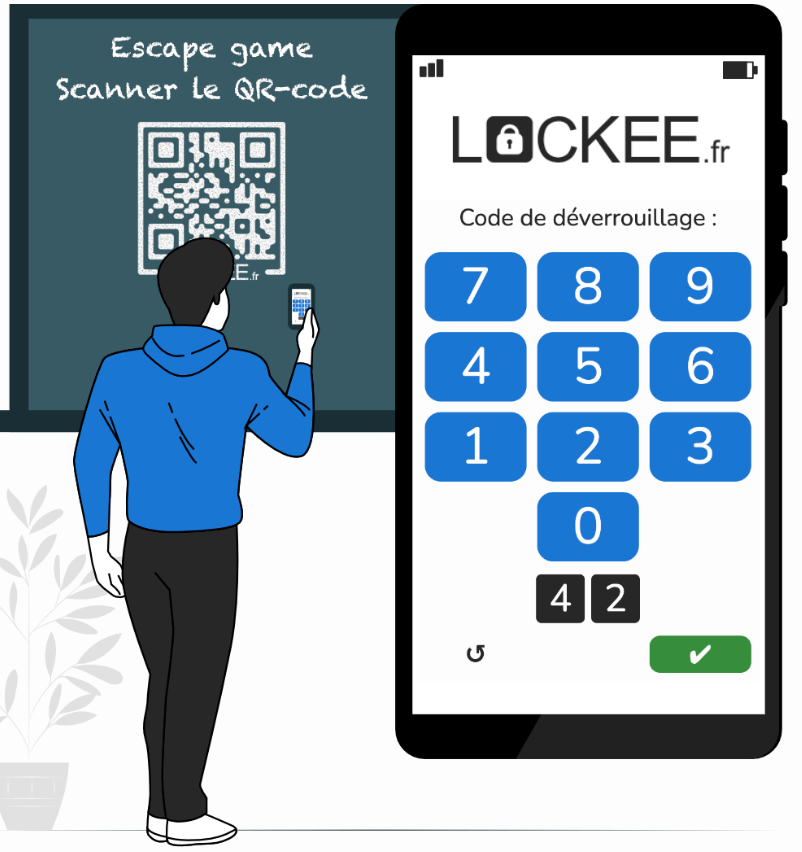
Lockee lets you create virtual locks (digital, with directions, with a diagram, etc.) unlocking access to a content (text, image, sound, link or external video). This video features a short introduction (in French).

